

API Keys
API Keys let approved users connect external systems to Octo through authenticated programmatic access.
API keys are the bridge between Octo and trusted external systems. They are still governed by the platform’s permission model, but they let automation authenticate without an interactive user session.
How API keys fit into access control
Section titled “How API keys fit into access control”- The API key identifies the integration or script.
- The secret is the sensitive value that should be stored outside Octo.
- The key still operates within the permissions of the account and roles behind it.
Treat API keys like production credentials, not like shareable configuration.
Before you create a key
Section titled “Before you create a key”- Decide what system or script will use it.
- Give it a name that explains that purpose clearly.
- Set an expiration date when you want planned rotation.
- Decide where the secret will be stored before you reveal it.
Create an API key
Section titled “Create an API key”API keys belong in Settings because they affect how external systems authenticate with the platform.
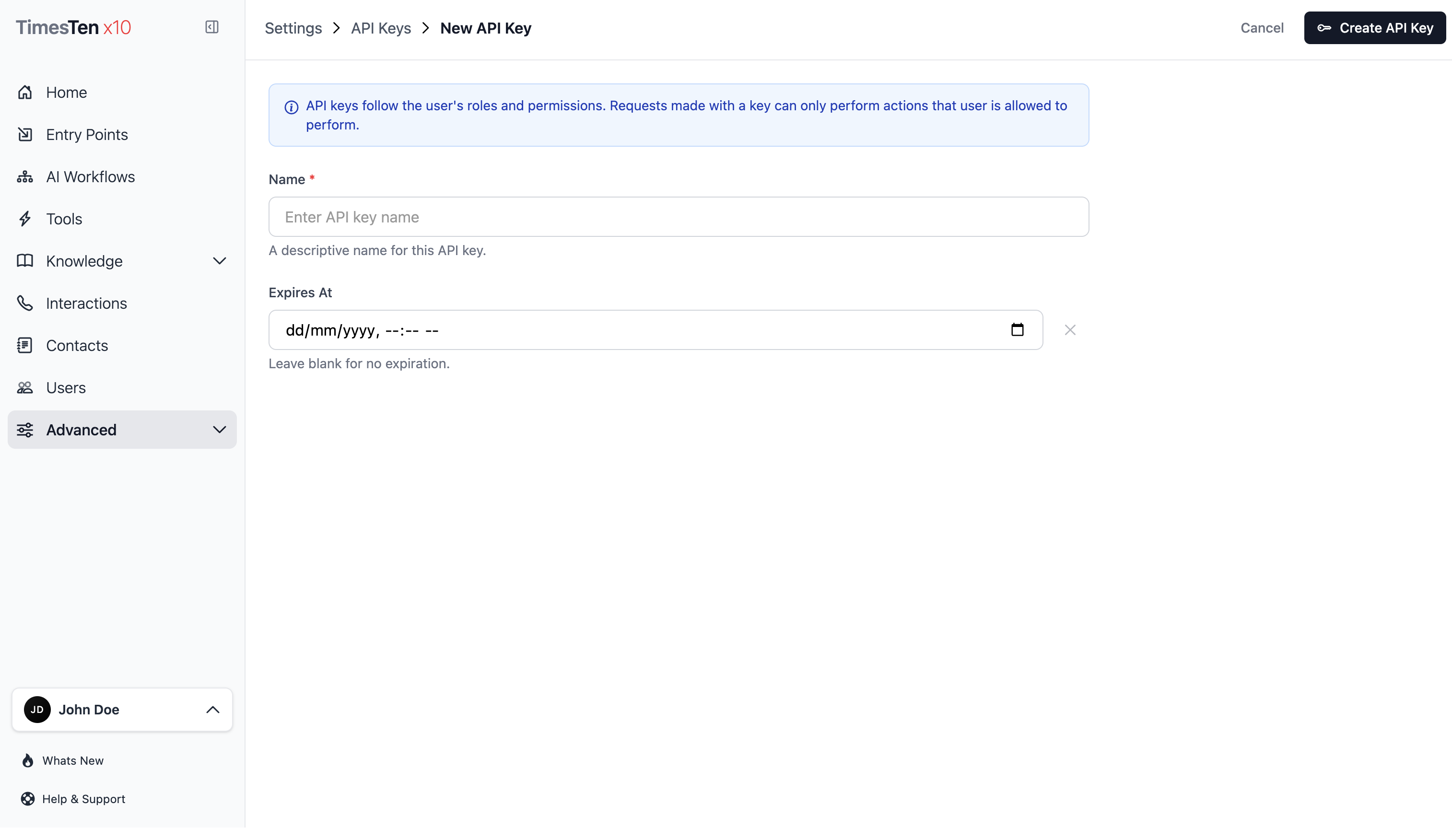
- Select Settings > API Keys.
- Click Create API Key.
- Enter a clear Name that identifies the integration or script using the key.
- Set Expires At if the key should have a planned end date.
- Click Save.
- Copy the revealed key value and store it securely.
Only share API keys through approved secret-management channels. If a key is exposed, delete it and create a replacement.
Edit or revoke an API key
Section titled “Edit or revoke an API key”- Select Settings > API Keys.
- Open the key by selecting its name in the list.
- Update the Name or Expires At value, then click Save.
- To remove access, click Delete and confirm the deletion.
The API Keys list shows each key’s name, masked key value, expiration, last-used time, and creation time.
Review key usage and history
Section titled “Review key usage and history”- Use the list page to review names, masked values, expiration dates, last-used timestamps, and creation metadata.
- Use the detail page to update metadata or revoke the key.
- Use the key history route or Audit Logs when you need to investigate recorded changes.
Can I recover a lost API key secret? If the secret is no longer visible in the UI, create a new key and update the integration that used the old key.
Which permissions are required? Users need access to API key settings. Role and permission assignment is managed from Settings > Roles.
Related pages
Section titled “Related pages”- Roles - control who can view, create, update, or delete API keys
- Audit Logs - review recorded changes to API keys and other records