

Roles
A role is a bundle of permissions that controls what a user can view, create, and manage across the platform.
Roles are how Octo turns permissions into reusable access profiles. Instead of granting access one permission at a time to each user, you define a role once and assign it wherever it belongs.
How roles fit into access control
Section titled “How roles fit into access control”- A role is the reusable access profile.
- A permission is a single allowed action.
- A user receives one or more roles and therefore all permissions inside them.
Permissions themselves are system-defined. The administration work here is choosing how to bundle them sensibly.
Create a role
Section titled “Create a role”- Select Settings > Roles in the sidebar.
- Click Create Role.
- Enter a role name and optional description.
- Click Save Role.
Assign permissions to a role
Section titled “Assign permissions to a role”- Open the role from the list.
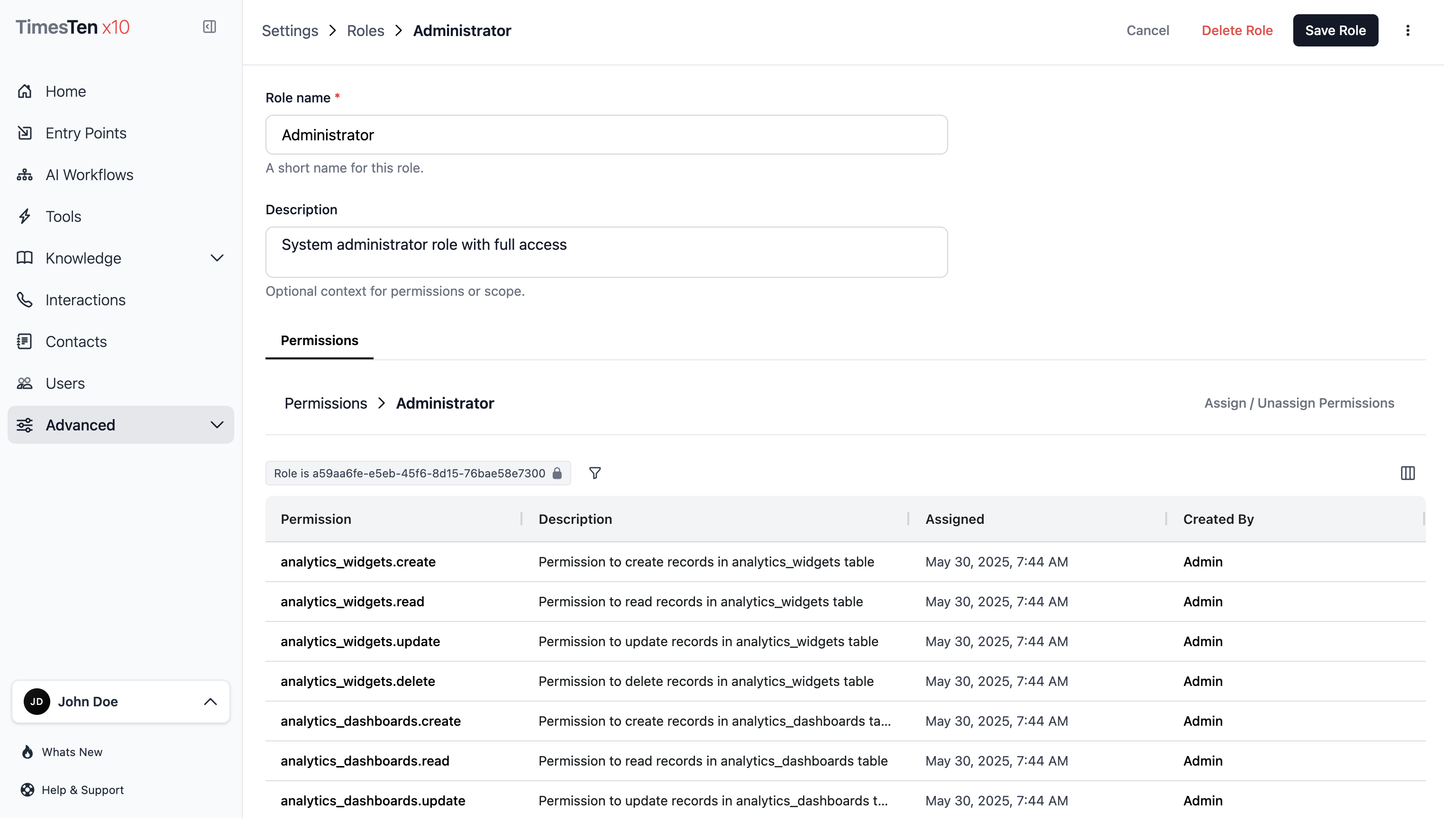
- In the Permissions tab, click Assign / Unassign Permissions.
- Move permissions between the Available and Assigned lists. Both lists are searchable.
- Click Save.
Assigned permissions appear in the permissions grid with the assignment date.
Review a role before assigning it
Section titled “Review a role before assigning it”Use a role review before assigning access to production users.
- Scope Confirm whether the role is for system settings, product operations, or both.
- Write permissions Separate create, update, delete, and export permissions where possible.
- Sensitive settings Restrict API keys, audit logs, environment settings, and billing-related access carefully.
- Runtime access Limit workflows, tools, phone numbers, and interactions to teams that actually operate them.
- Review cadence Revisit roles whenever teams or responsibilities change.
Permissions are system-defined. If a permission does not exist in the picker, record the access need as product feedback instead of creating a naming workaround.
Delete roles
Section titled “Delete roles”Single delete:
- Open the role you want to remove.
- Click Delete Role.
- Confirm the deletion.
Bulk delete:
- Select Settings > Roles in the sidebar.
- Select the checkboxes next to the roles you want to remove.
- Click Delete Selected.
- Confirm the deletion.
What are the default roles? Three default roles exist: Administrator (full access), Editor (create and modify), and Viewer (read-only). You can customize these or create new roles.
Can I edit permissions themselves? No. Permissions are system-defined. You can only assign or unassign them from roles.
Related pages
Section titled “Related pages”- Users — assign roles to users
- Audit Logs — review role and permission changes